Help · How-to
Watch how it's done.
Short, focused walkthroughs of common captures. Pick a task — each one is a one-minute video.
 0:09
Screenshot
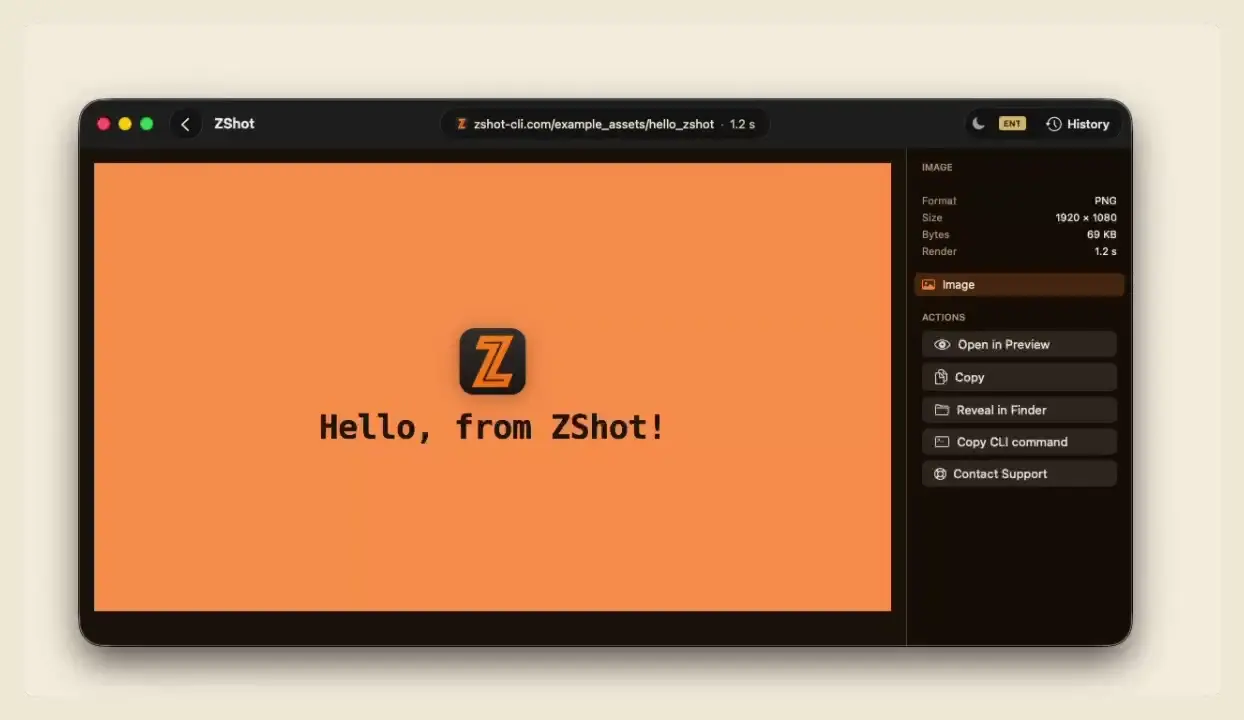
Screenshot a page to PNG
Capture a page exactly as it renders.
0:09
Screenshot
Screenshot a page to PNG
Capture a page exactly as it renders.
 0:27
Timing
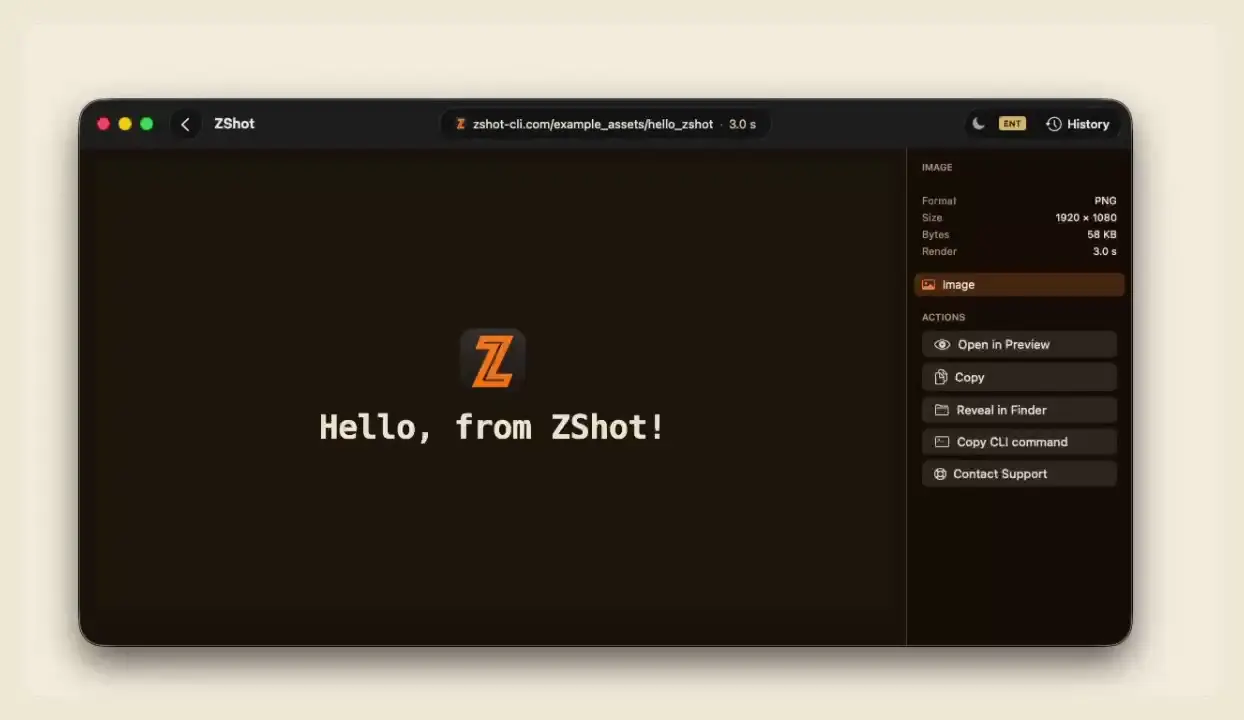
Wait for animations to finish
Hold the shot until the page signals it's ready.
0:44
Document
STD
Save a full-page PDF
Flatten an entire scrolling page into one paginated PDF.
0:39
Document
STD
Save an accessible PDF
A tagged, print-sized PDF — text and reading order intact.
0:56
Record
STD
Record a page to WebM
Capture an animation to a WebM clip.
0:50
GIF
STD
Record a looping GIF
Loop a short animation as a GIF that plays anywhere.
0:27
Timing
Wait for animations to finish
Hold the shot until the page signals it's ready.
0:44
Document
STD
Save a full-page PDF
Flatten an entire scrolling page into one paginated PDF.
0:39
Document
STD
Save an accessible PDF
A tagged, print-sized PDF — text and reading order intact.
0:56
Record
STD
Record a page to WebM
Capture an animation to a WebM clip.
0:50
GIF
STD
Record a looping GIF
Loop a short animation as a GIF that plays anywhere.
 0:31
HTML
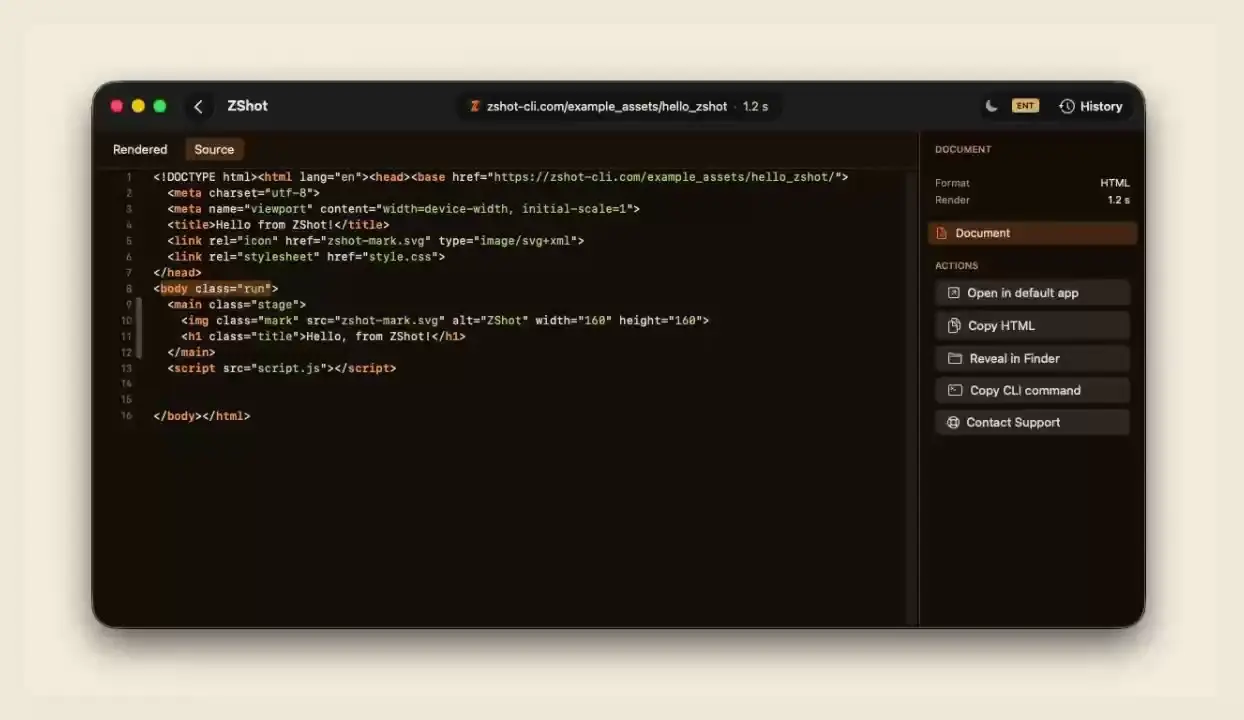
Save the rendered HTML
Grab the page's HTML after scripts run, not the raw source.
0:31
HTML
Save the rendered HTML
Grab the page's HTML after scripts run, not the raw source.No how-tos match.